

Welcome back to the AI Edge weekly newsletter!
This week, we’re covering Claude Skills: the most powerful agentic Skills you need to install now.
In case you’re unfamiliar, a "Skill" is a small instruction file you drop into Claude that teaches it to do one job really well, every time, without you re-explaining.
Think of it as hiring a specialist that knows your exact workflows instead of briefing a generalist from scratch.
We've tested more than fifty Claude Skills this year, and to be frank, most were not good.
These five earned a permanent spot in our daily workflows, and a few probably should have been paywalled.
By the end of this read, you'll know how to install any skill in about thirty seconds and which five are worth doing it for. After the anchor, stick around for the Midweek Edge with the week's AI news, and Looking Ahead, where we compile the top AI research.
Let’s get right into things!
Table of Contents
How To Install Any Claude Skill
You have two viable ways for installing Claude Skills - pick whichever feels most comfortable.
The prompt method (easiest)
You don’t touch the terminal at all. You just hand Claude the link to the skill and let it handle the setup.
Prompt Structure
"Install this AI skill for me and handle the entire setup: [paste GitHub link]."Claude reads the page, runs the install, and confirms when it's done. That's it.
The command method (faster if you live in the terminal)
Every skill below comes with a one-line command you paste straight into Claude Code.
It looks technical, but each piece is simple:
npx skills add = "go fetch and install a skill"
the name after it = which skill, and from whose GitHub
-g = install it globally, so it works in every project
So npx skills add shadcn/improve -g means "install the improve skill from
shadcn, everywhere."
The end result is the same as the prompt method.
To check if a skill is installed correctly, type /skills in Claude and
look for your skills.
You can also head to Customize → Skills to view your full list at any time:

Skill #5: Taste Skill
This is a must for all the vibe-coders.
Taste is an anti-slop frontend framework. Feed it to Claude, and your
designs stop looking like they were built by AI.

It ships with variants for different looks, so you're not locked into one style:
minimalist for clean design, Linear-style layouts, brutalist for sharp high-contrast design, soft-ui for glass effects & more.
This is a game-changer for anyone building web or mobile interfaces who wants outputs that are custom-built.
Install Command & GitHub
npx skills add Leonxlnx/taste-skill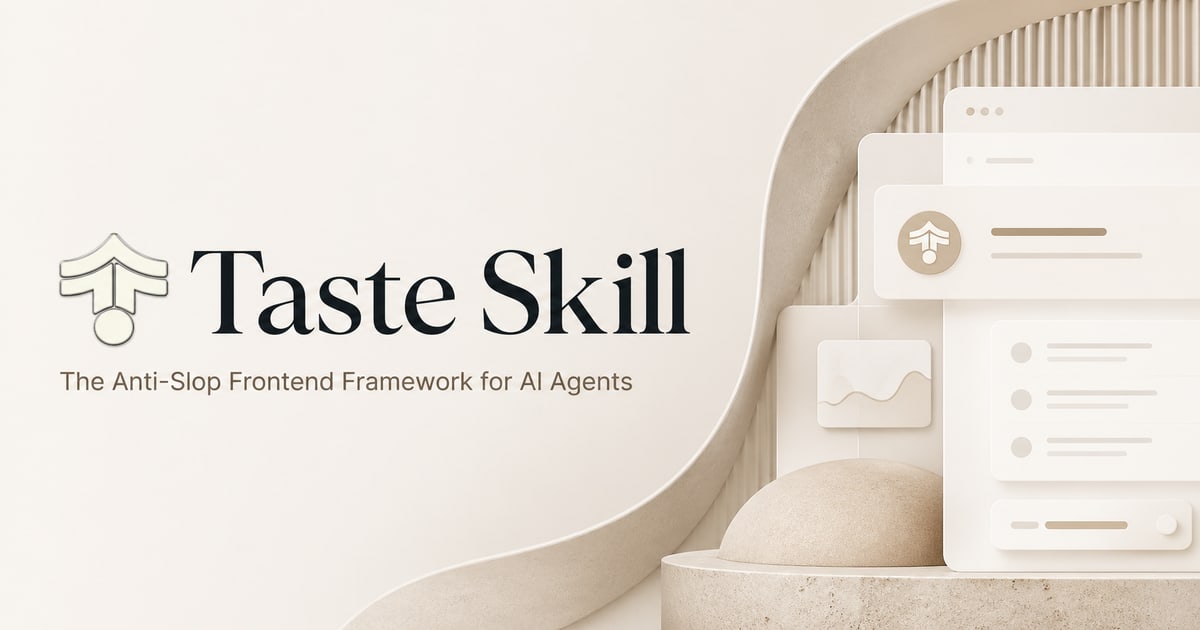
Skill #4: /Improve
Most of us aren't technical. We vibe-code helpful tools, build dashboards, and generally run simple AI workflows.
This means we hit bugs. And even when nothing's broken, you can tell the project could be better. You just don't know where to start.
/improve reads your entire project for you. It finds the highest-value fixes,
then writes out a plan for each one before touching a line of code.
You approve what you want, and it can hand the actual work to a cheaper, faster subagent to keep costs down (like Sonnet or Kimi).

There are four main commands worth knowing for Claude:
/improve            audits everything and writes the plans
/improve quick    cheap pass
/improve branch     audits just one area instead of the whole project
/improve reconcile  checks what actually got done
This is best for anyone maintaining a codebase project who wants a second pair of
eyes.
Install Command & GitHub
npx skills add shadcn/improve -gSkill #3: /last 30 days
This one is a cheat code for all marketers & content creators. Here at AI Edge, we use this skill every single week.
last30days searches the entire internet for real opinions and trends: Reddit, X, YouTube, Hacker News, and even Polymarket - all at once.

Then it ranks what it finds by what people genuinely engaged with, not what ranked well, and hands you one clean brief.

The trick is it scores by real signals. A Reddit thread with 1,500 upvotes beats a blog post nobody read.
Example Prompts
"/last30days What's the current sentiment on AI robotics stocks?"
"/last30days What are people actually saying about [new tool] right now?"
“/last30 days Research [any topic].”
Such a valuable skill for coming up with content angles, post ideas, identifying trends, and even general research to catch what’s trending.
Install Command & GitHub

As seen above, this Skill is best and recommended specifically when used in Claude Code
/plugin marketplace add mvanhorn/last30days-skill Recently, this Skill got updated so you can run it inside Codex, Claude, Grok & more

Skill #2: Kill Claude Slop
We all know what AI writing looks like. The "it's not just X, it's Y" sentences, the extreme hyperbolic sentence structures, and so on.
Readers clock these patterns instantly, and it makes your work look lazy. Kill AI Slop teaches Claude to catch its own quirks and strip them out of its text.

This skill targets eight AI patterns specifically:
Banned phrases
Structural clichés
Passive voice
Wh- sentence starters
Em dashes
Vague declaratives
Narrator voice
Rhythm patterns
Install it, then point it at any draft:
"Apply stop-slop to this: [paste your text]."
Claude then runs your writing through all eight checks, scores it (out of 50), and hands back the cleaned-up version once it passes.
If you write inside Claude Projects instead, just upload the skill file to your project knowledge, and it works the same way.
Install Command & GitHub
npx skills add https://github.com/hardikpandya/stop-slop --skill stop-slopSkill #1: Claude-Video
Alright, this one is in our #1 spot for a reason. If you install just one Claude Skill today, make it this one.
By default, Claude can read a webpage, run a script, and browse a repo. What it can't do
out of the box is watch a video.
Claude-Video fixes that and gives your Claude eyes.
Give it a link or a file, ask a question, and it downloads the video, pulls the transcript, and looks at the actual frames.
It works on YouTube, TikTok, Loom, X, Instagram, Vimeo, and hundreds of
other sites, plus any video file on your computer.
Example Prompts
"What hook did they open with?" on a competitor's viral video
"What's going wrong here?" on a screen recording of a bug
"Turn this into notes and add it to my second brain" across a whole course or playlist
Install Command & GitHub
npx skills add bradautomates/claude-video -gMidweek Edge
Our manually curated list of the most important news updates across AI, robotics & tech.
Moonshot AI Open-sources Kimi K3
Moonshot AI has officially released the model weights for Kimi K3.
→ 2.8T total parameters, but only 104B activated per token
→ Native visual understanding built in, text, images, and video in the same model
→ 1M-token context window
→ The world's first open 3T-class model
Try Kimi K3 now, or download the weights through Hugging Face

ChatGPT Voice For Better Prompting
Our favorite way to prompt ChatGPT is the new Voice model.
If you haven’t tried it, open ChatGPT on your desktop, tap the Voice icon, and explain the full task naturally, including the context, goal, and your desired result.

Teach Claude a Skill
You can now teach Claude a Skill by recording yourself doing it.
To do this, click Cowork on Claude → record a skill, and explain each step while you work.
Claude will turn the process into a reusable Skill it can repeat for you later.

Watch Miles’ full breakdown here
Anthropic Releases Opus 5
Last week, we flagged Opus 5 as incoming. Anthropic has now officially released it.
Reviews have been mixed so far.
Try it now in Claude, Claude Code, and the Anthropic API.

Microsoft Launches Cyber Model
Microsoft just released MAI-Cyber-1-Flash, a new model designed to find vulnerabilities in large codebases.
Inside Microsoft’s security system, it delivered stronger results while reducing costs by ~50%.
Access is currently limited, with wider availability expected through Microsoft’s security products.

Looking Ahead
Our manually curated list of the top AI trends, research, workflows & more.
Open-Weight AI Models Are the Future
NVIDIA founder Jensen Huang just made one of the strongest cases yet for open-weight AI in a letter signed by major tech companies (Meta, Microsoft, Palantir and dozens more).
His core argument is that open models give developers more control over how they run, customize, and build with AI, without dependency.
Read the full letter here

The Next Wave of Billion-Dollar AI Companies (Y Combinator)
YC releases its Fall 2026 request for startups.

Prompt Engineering in Claude 5 Family
Anthropic released its new official guide for prompting Claude 5 models (Fable, Opus & Sonnet).
TL;DR:
→ Give Claude a clear goal
→ Trim repeated instructions
→ Provide real examples or references for best results
→ Keep instructions short
→ Re-build any skills, prompts, or instructions that are from previous models
→ Let the model decide how to complete the task (especially Fable)

GPT-6 Incoming
Multiple rumors now point to GPT-6 dropping around September, and Sam Altman is planning to visit Washington for government approval.
OpenAI has not confirmed the model or release date, so this remains a watch item, but we expect release in the next ~4 weeks.

Closing out
If you made it this far, thank you for reading, and we hope you found this week’s edition valuable.
If you enjoy reading, please forward our newsletter to someone you think would benefit from it.💙
Our promise to you: Every Wednesday, at 7 am EST, we’ll cut through the AI noise and send you human-curated AI content to make sure you stay ahead.
Content Pipeline
YouTube
Live Now:
I Replaced My Financial Advisor With Claude Opus 5 (full system)
X (Twitter)
Live Now:
A Dummies Guide To Loop Engineering
Free AI Asset Library
For all the AI prompts, cheat sheets, and PDF guides mentioned on the AI Edge YouTube channel, grab them by browsing our free assets library here:
See you next Wednesday!
Interested in sponsorship or a partnership? Get in touch at [email protected]